Turbo Lane: Neon Boost Sprint
Sprint down a neon-lit highway, swipe between lanes and hold to burn your boost meter. Grab nitro to refill it and dodge rivals and barriers at speed.
Keyboard works too Everything runs inside your browser. Nothing is installed on your phone.
Controls
Tap Play to start your neon sprint down the highway.
How to play
- Tap Play to start your neon sprint down the highway.
- Swipe left or right, or use the arrow keys, to switch between the three lanes.
- Press and hold, or hold up or Space, to boost and burn the boost meter.
- Dodge rivals and barriers while building your combo multiplier.
- Collect nitro canisters to refill the meter and push for a higher score.
About this game
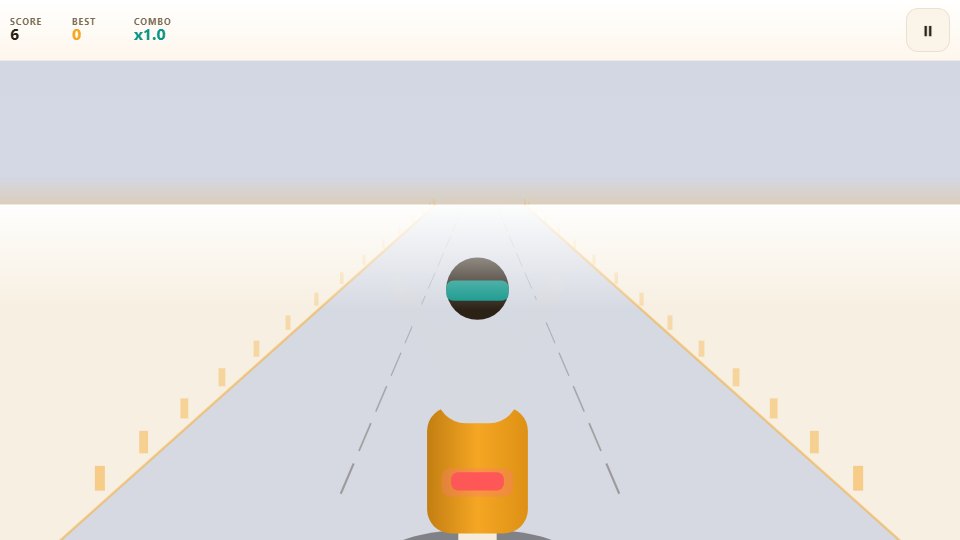
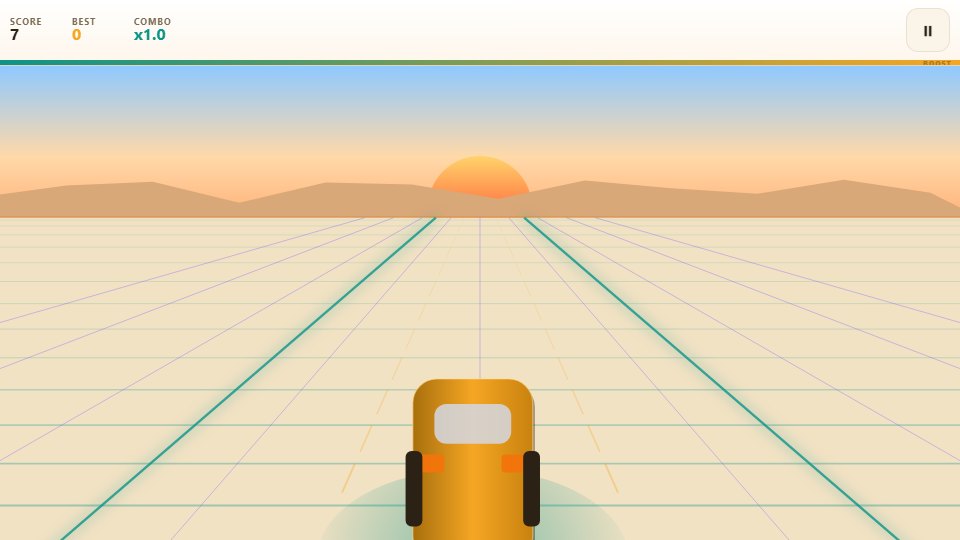
Turbo Lane drops you onto a retro synthwave highway bathed in pink and teal, where you sprint between three lanes and manage a boost meter that never quite lasts long enough. It is part racer, part resource juggling act, and the two halves play off each other beautifully from the very first metre.
The faster you dare to go, the more points you earn, but every boost burns fuel you will need later, so the whole run becomes a rhythm of push and ease. Knowing exactly when to open the throttle is the skill that separates a decent run from a genuinely great one.
What you actually do
Swipe left or right, or use the arrow keys, to switch lanes. Press and hold on the screen, or hold the up arrow or Space, to open the throttle and drain the boost meter along the top. Nitro canisters appear in the lanes, and grabbing one tops the meter back up and lets you keep boosting for longer.
Rivals in purple cars and glowing red barriers sweep toward you, and every one you dodge cleanly builds your combo multiplier, which can climb as high as ten times your base score. Pass five hundred metres and the game announces a new level, tightening the spacing and upping the pace. The boost meter sits right below the score, so you can always see exactly how much speed you have left in the tank before you commit.
Tips that make you better
- Boost on open stretches, not right before traffic, so you are not sprinting into a wall of rivals.
- Aim for nitro canisters when your meter is low, since a full tank is worth far more than a handful of points.
- Let your combo build before you spend a boost, because the multiplier applies to every metre you travel.
- Hold your lane until you can see a clear gap, as twitchy changing burns the reactions you will need later.
- Treat the barriers as hard walls and rivals as soft ones, then plan the gap that threads both cleanly.
Who it is for
It suits players who like their racers stylish and strategic, and anyone who enjoys the feeling of managing risk at high speed rather than simply mashing a button. The synthwave look gives it a strong sense of place, even on a small screen and a short bus ride.
Playing it on a phone
The swipe-to-steer and hold-to-boost split works neatly with one thumb, and the neon gradient, perspective grid and particle effects stay smooth on a mid-range Android. The boost meter sits right under the score so you can read it at a glance, and the game pauses the moment you leave the tab, so no run is lost when you switch across to reply to someone.
Frequently asked questions
How does the boost meter work?
Holding to boost drains the meter along the top of the screen quickly, while letting go lets it trickle back up. Collecting a nitro canister refills a big chunk of it and clears any lock.
What raises my score fastest?
Your score grows with distance multiplied by your combo, plus a little extra while boosting. A long clean run with a high combo usually beats short bursts of speed.
What are the levels?
The game counts a new level every five hundred metres. Each one nudges the traffic up in pace and spacing, so later levels demand quicker decisions.
Can I steer with keyboard keys?
Yes. The left and right arrows change lane, while holding the up arrow or Space engages the boost, handy for playing on a laptop.